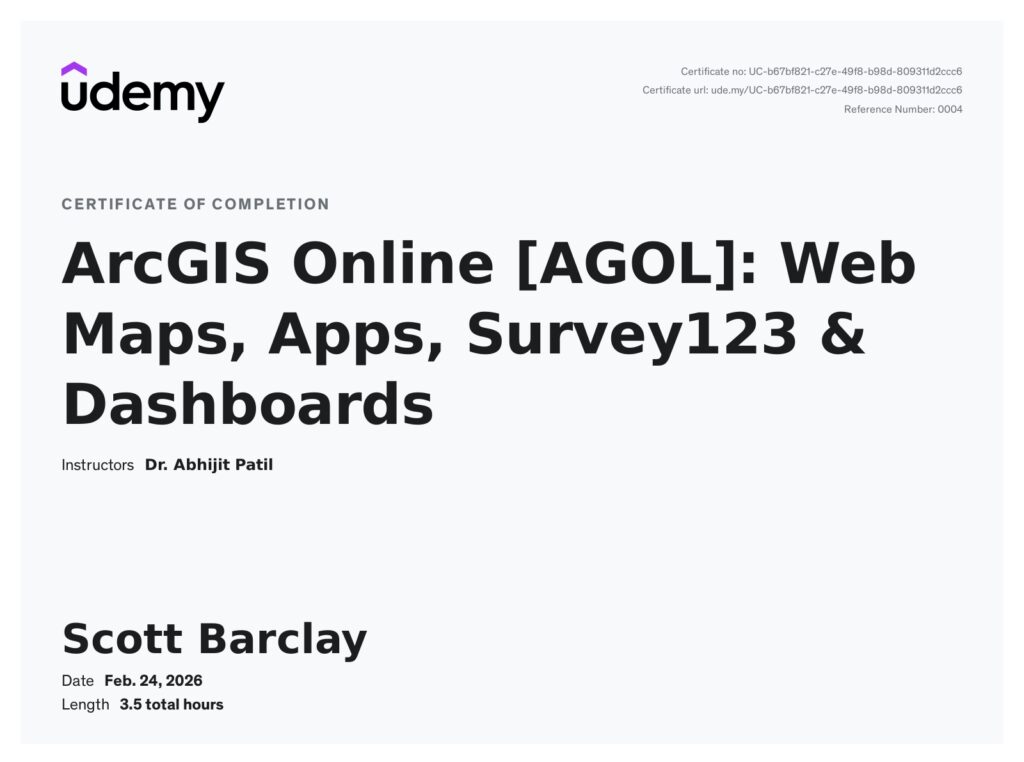
100% Complete
Description
Unlock the power of WebGIS with ArcGIS Online (AGOL) in this hands-on, practical course crafted for both beginners and experienced GIS professionals. Whether you’re looking to enhance your GIS skill set, digitize your field surveys, or build powerful web-based GIS applications, this course will guide you step by step through the core features of ArcGIS Online.
We begin by covering the fundamentals of AGOL—learning how to navigate the interface, add and visualize spatial data, apply smart symbology, and explore authoritative datasets using the Living Atlas of the World. You’ll gain confidence in creating and customizing WebMaps, integrating multiple data layers, setting pop-ups, filters, bookmarks, and publishing your maps for interactive use.
Next, we move on to Web Apps—where you’ll learn to build fully functional GIS applications using Web AppBuilder. You’ll customize your app with themes, layouts, and interactive widgets, all without writing a single line of code.
In the following module, you’ll get hands-on with ArcGIS Survey123, designing a mobile-friendly data collection form. You’ll learn how to deploy it, collect field data, and integrate it into your GIS projects.
Finally, we’ll build a powerful ArcGIS Dashboard, turning your raw data into meaningful visualizations using maps, charts, indicators, and live updates.
Full course description can be viewed by clicking here (Udemy)
Course Introduction ✅
What’s Inside the Course? ✅
What is ArcGIS Online? (Theory) ✅
ArcGIS License Setup ✅
Exploring the ArcGIS Online Interface ✅
Exploring Interactive Web Maps in ArcGIS Online ✅
Adding Your Data to Interactive Maps in ArcGIS Online ✅
Customizing Symbology for Your Earthquake Data ✅
Adding the Living Atlas Data for Enriching Your Map ✅
Publishing Your Interactive Web Map ✅
What is Web Apps in ArcGIS Online? (Theory) ✅
Getting Started with Web AppBuilder ✅
Choosing Themes and Configuring Layout in Web AppBuilder ✅
Adding Widgets to Your Web App ✅
Finalizing and Sharing Your Web App ✅
Introduction to ArcGIS Survey123 (Theory) ✅
Getting Started with Survey123: Exploring the Interface ✅
Creating a Tree Survey for Farmland ✅
Demonstration of Filling Form and Data Updates ✅
ArcGIS Dashboard: Overview and Applications (Theory) ✅
Getting Started with ArcGIS Dashboard ✅
Setting up the Title, Sidebar, Splash Screen, and Theme for Dashboard ✅
Adding Farmland Tree Survey Form (Survey123) Data in Interactive Web Map ✅
Adding the Interactive Web Map of Farmland Tree Survey to ArcGIS Dashboard ✅
Adding Serial Chart & Bar Chart in ArcGIS Dashboard ✅
Adding Indicators for Total Tree Count and Dead Tree Count ✅
Adding a Table to the Dashboard ✅
Making the Dashboard Interactive – Using Actions ✅
Real-Time Data Updates in ArcGIS Dashboard ✅
Finalizing and Sharing the ArcGIS Dashboard ✅